MEDIA FILE EXPLORER

YOUR ULTIMATE FILE MANAGEMENT SOLUTION

Features

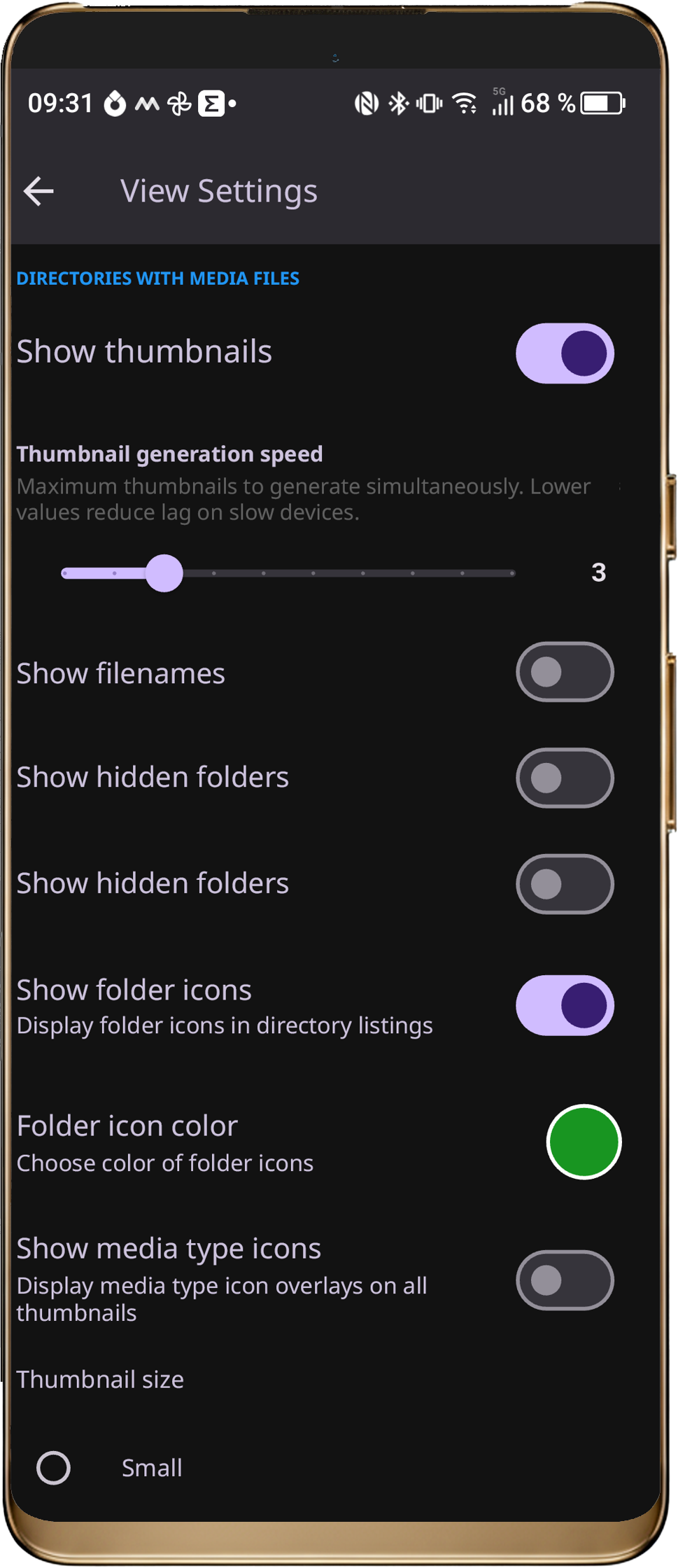
  • CUSTOMIZE

    The most customizable gallery app for Android

  • EASE OF USE

    Whether organizing thousands of photos, editing images, or quickly accessing favorite folders – file management is easy with this App.

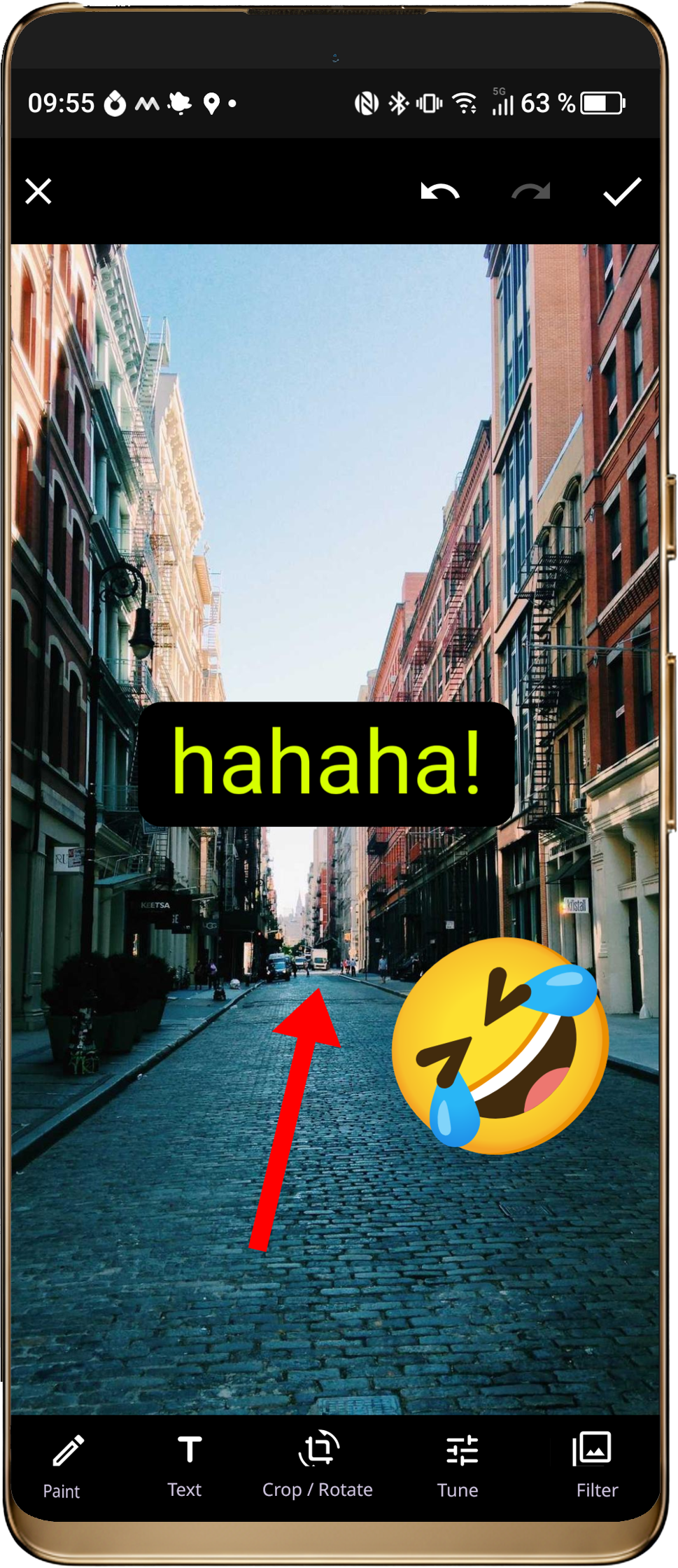
  • POWERFUL IMAGE EDITING

    Built-in editor with tools such as drawing, adding text, cropping, rotating, filters, stickers.
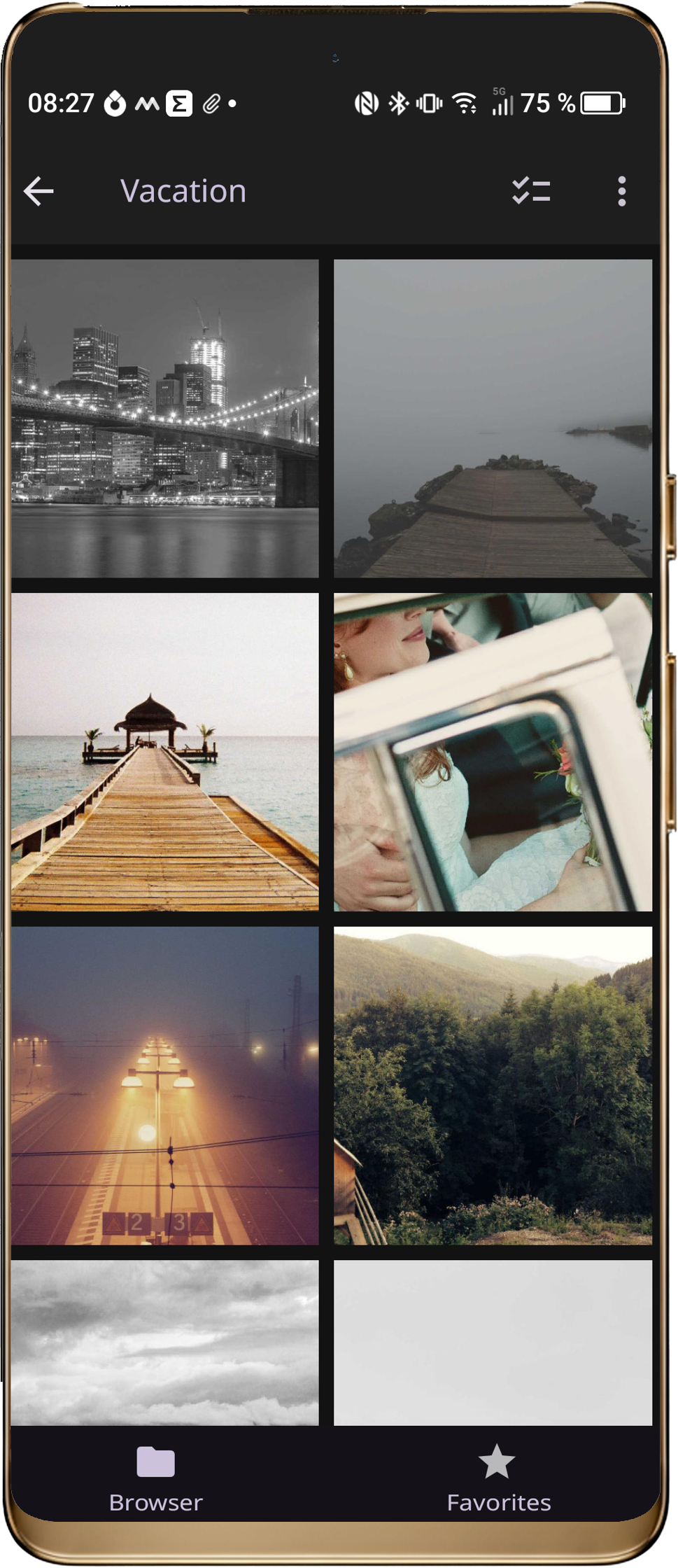
  • SMOOTH MEDIA SLIDESHOW

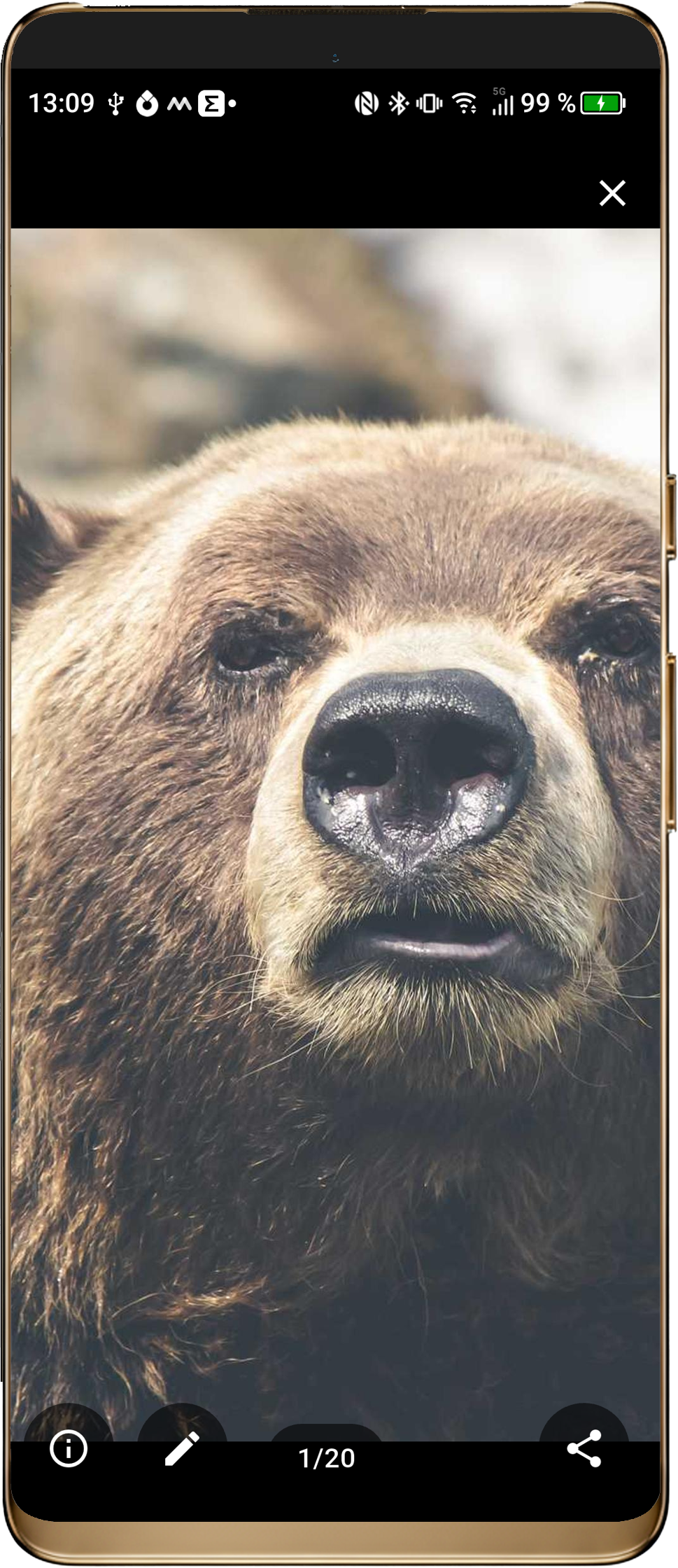
    Smooth photo and video playback with swipe navigation • Pinch-to-zoom, quick sharing, and detailed file info.

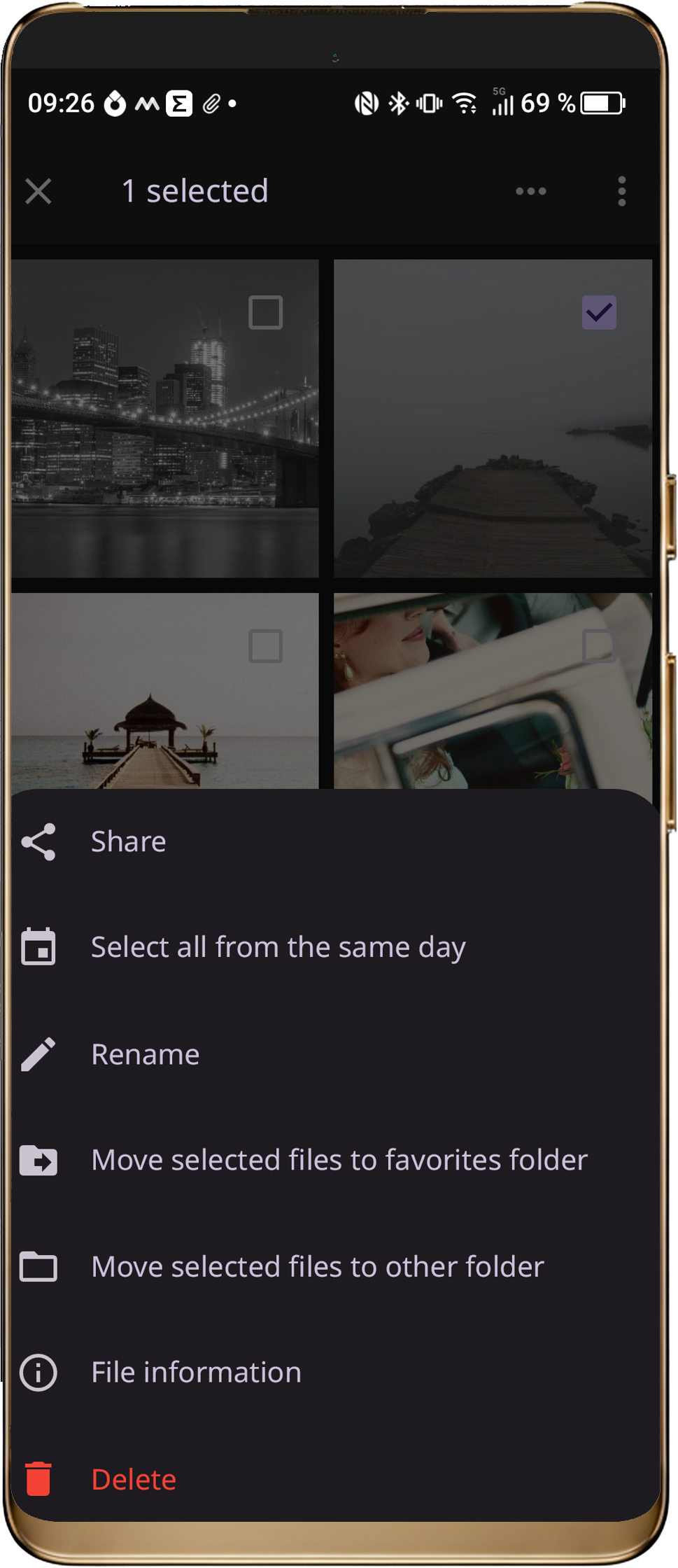
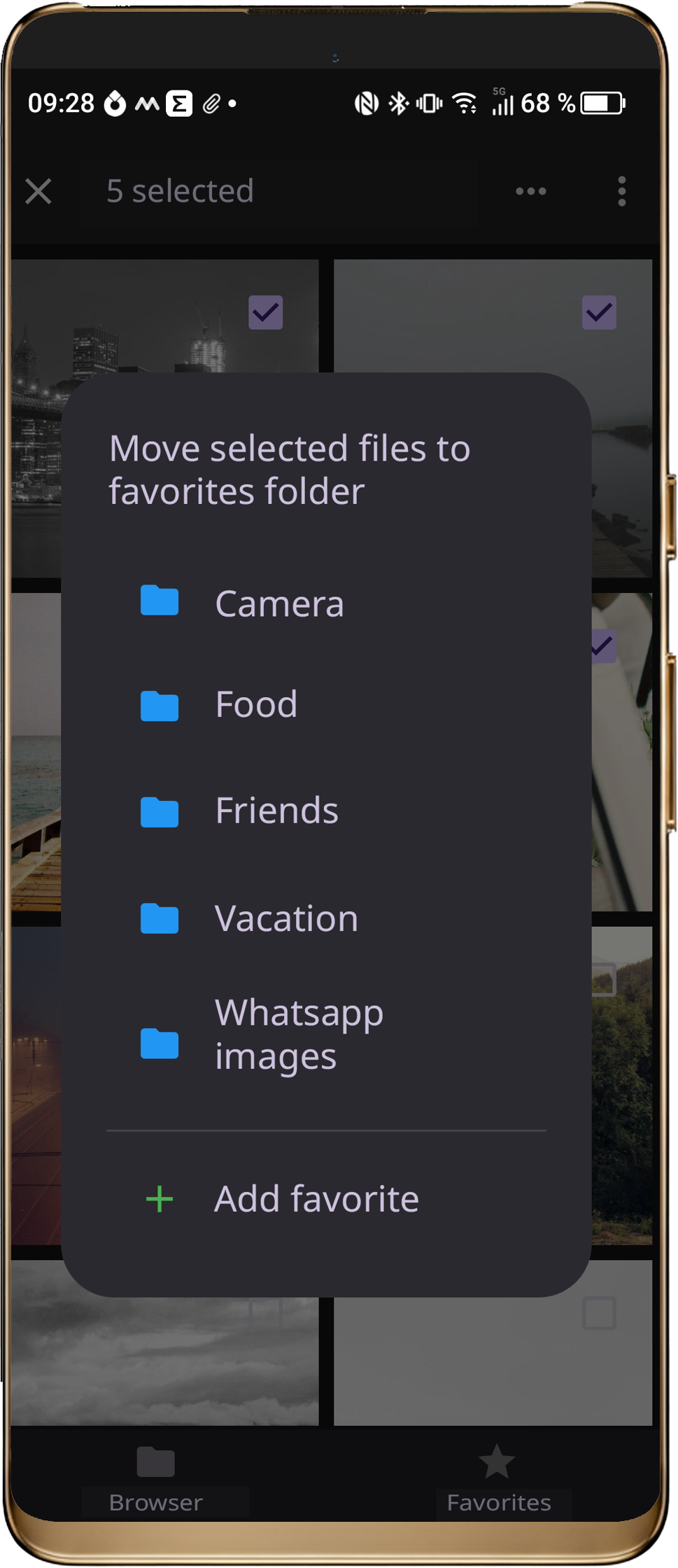
  • BATCH OPERATIONS

    Quickly select many files. Move, copy, share, or delete large groups with undo.

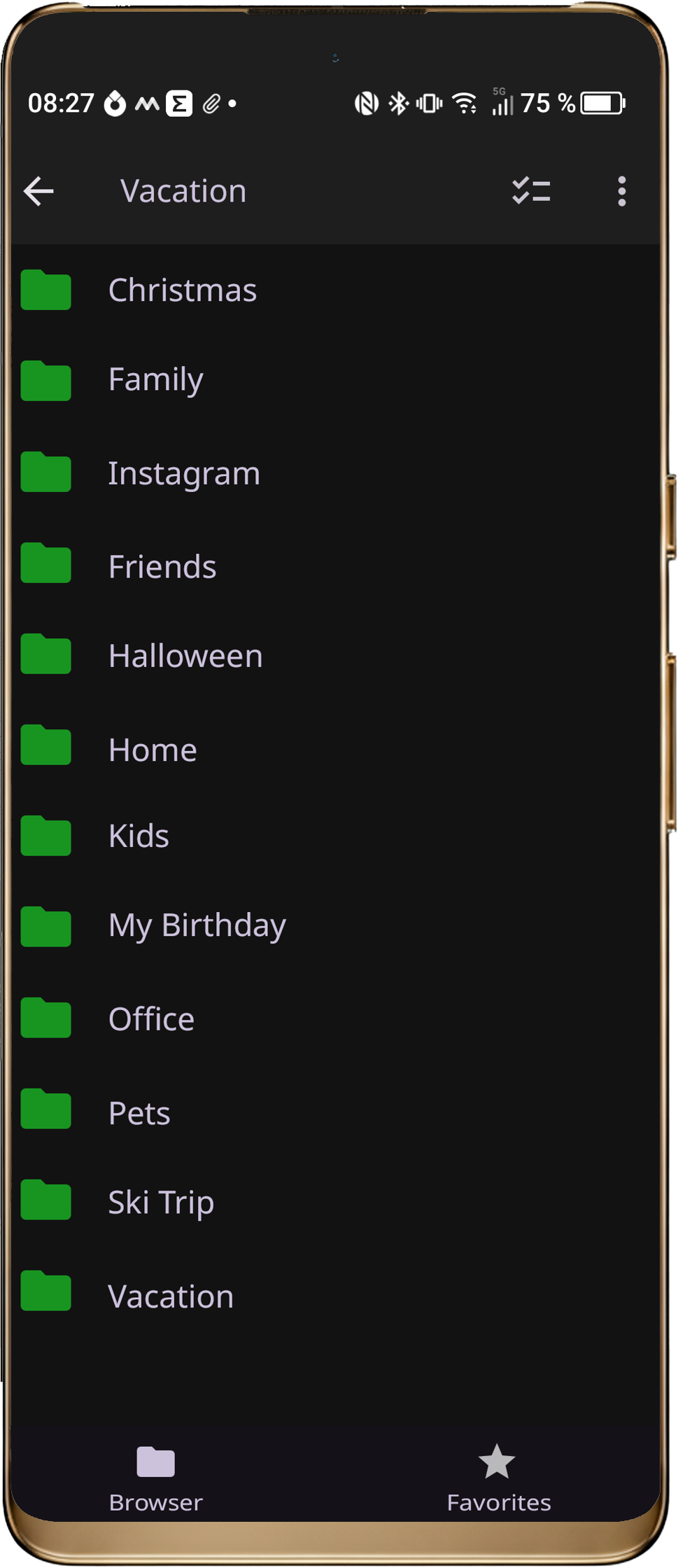
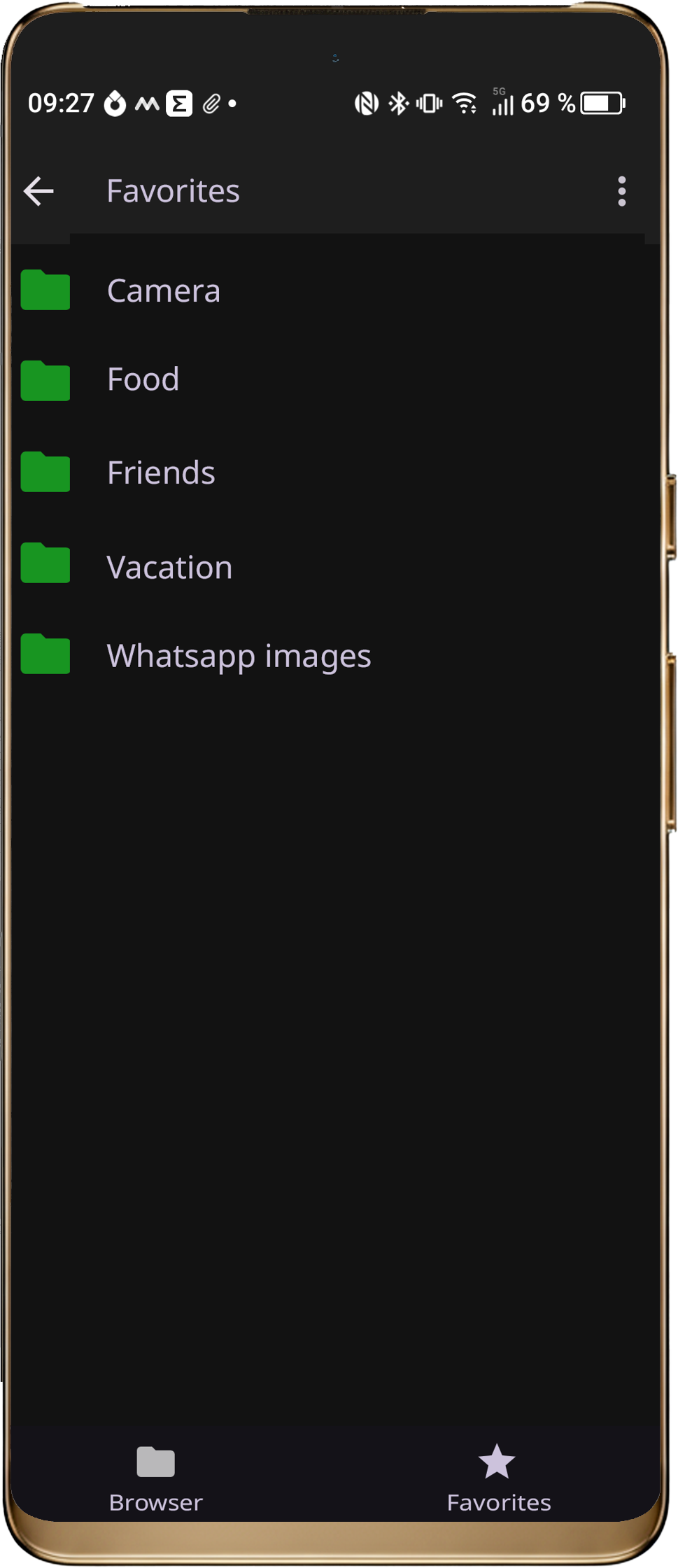
  • ADVANCED FAVORITES

    Add and customize favorite folders. Rename, reorder, import/export favorites for easy access-

overview banner

Total control over your media files.

Browse, manage, and edit photos, videos, and audio directly on your device — fast, customizable, and without restrictions.

See it in action

This video is provided by YouTube. When playing, cookies are set and data is transmitted to YouTube.

Privacy Policy

Release Notes

1 / 1

Media File Explorer for Windows

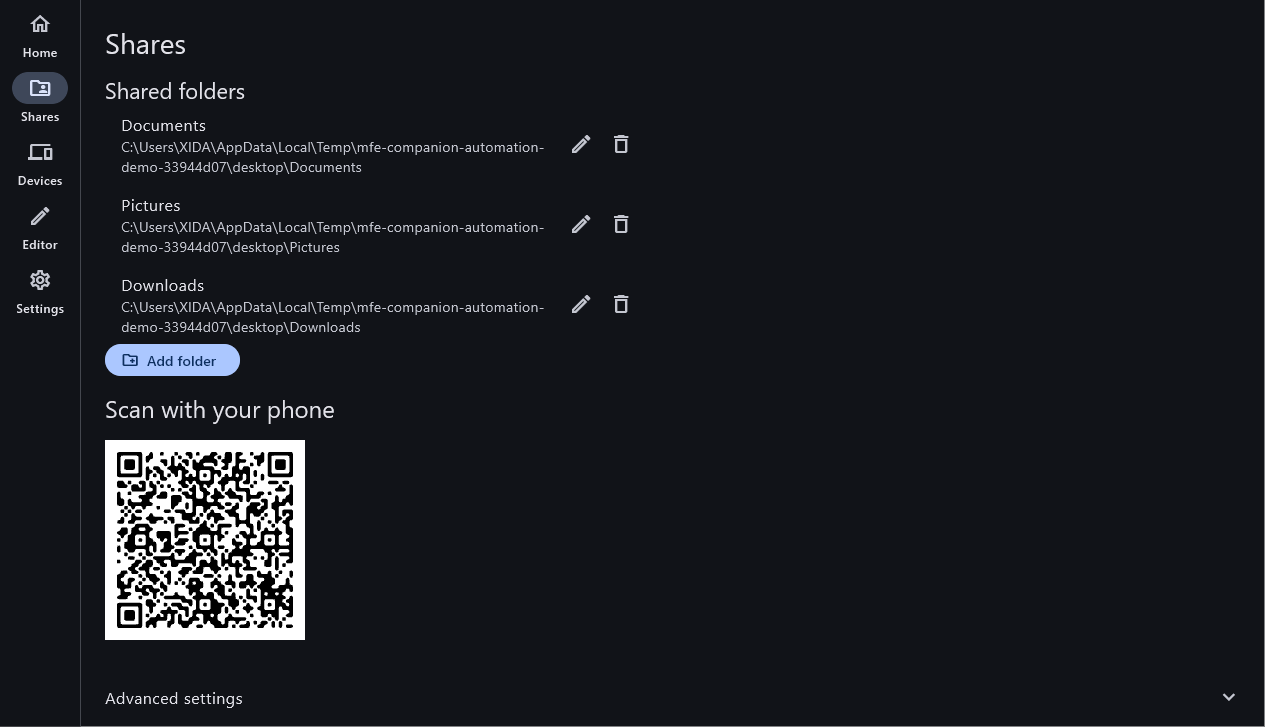
  • SHARE PC FOLDERS

    Choose the folders on your Windows PC that your phone may access.

  • PAIR BY QR CODE

    Scan the QR code with the app to pair. Phone and PC must be on the same network; files travel over a secure HTTPS connection.

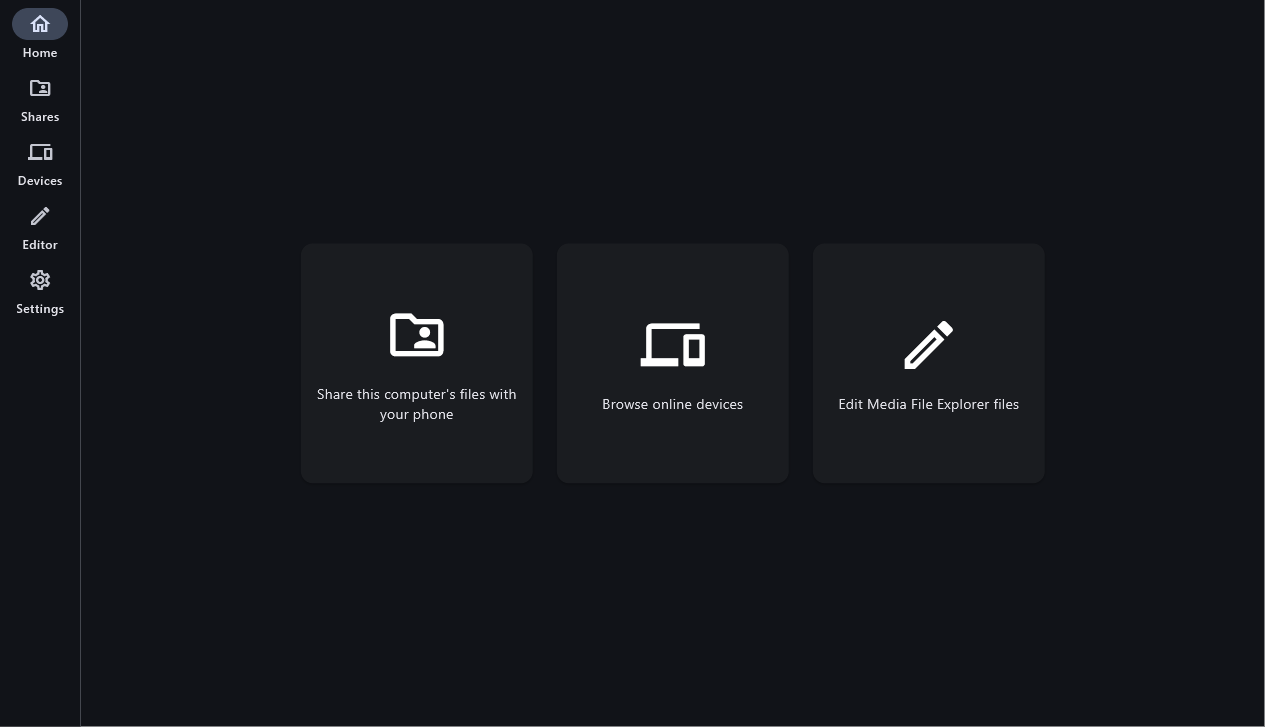
Home: share folders, browse devices or open the editor
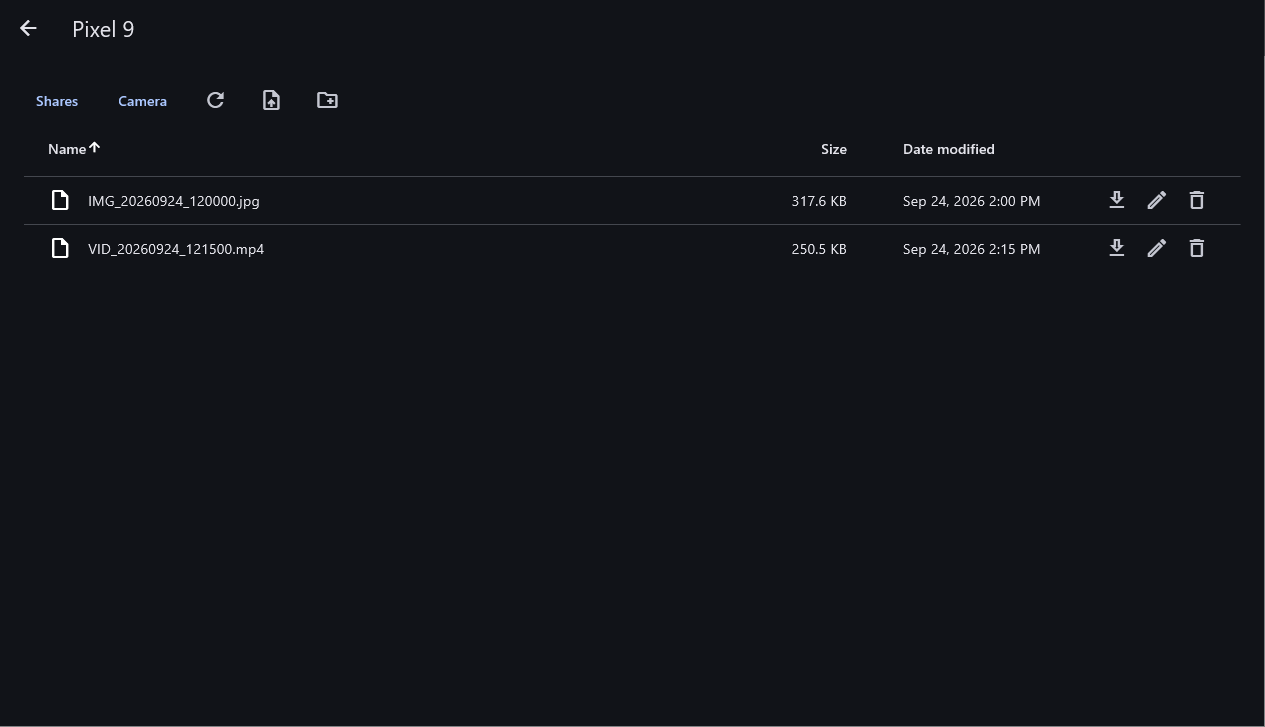
  • MANAGE PHONE FILES

    Browse your paired phone from the PC. Download, upload, rename and delete files or create new folders.

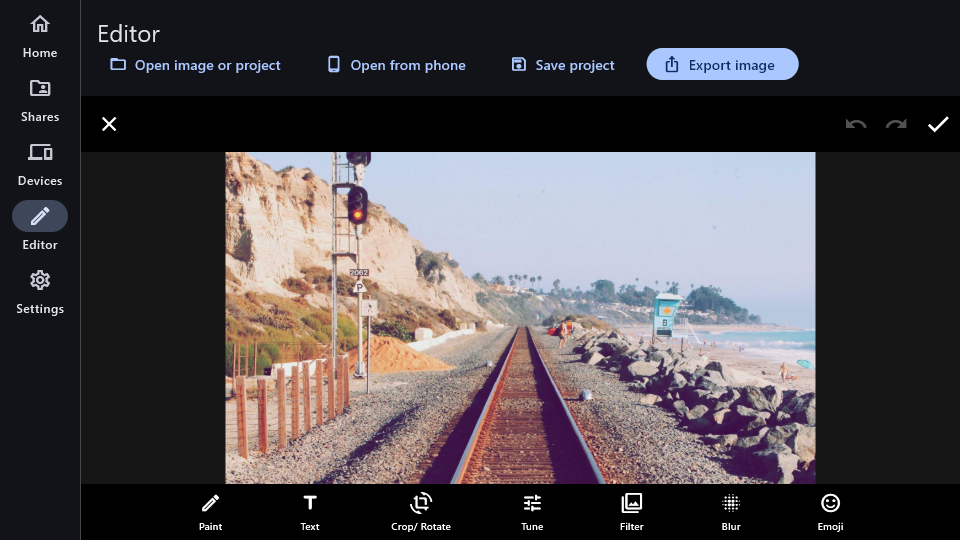
  • EDIT ON THE BIG SCREEN

    Open Media File Explorer images in the desktop editor and export the result. Save editable projects to continue later.

Contact Us