Fast Tool Switcher
SWITCH BETWEEN YOUR FAVORITE APPS INSTANTLY ON WINDOWS
Overview
If you work with multiple applications throughout the day, constant app switching is an unavoidable part of your workflow.
Every switch requires moving your hand to the mouse, clicking the taskbar, finding the right window, and clicking again — or cycling through endless Alt+Tab previews hoping to land on the right one.
This constant interruption breaks your concentration, slows you down, and pulls your attention away from what you were actually working on.
Fast Tool Switcher solves this by letting you assign custom hotkeys to your favorite applications.
Press one key combination and instantly switch to any app — no mouse, no searching, no wasted time.
Why

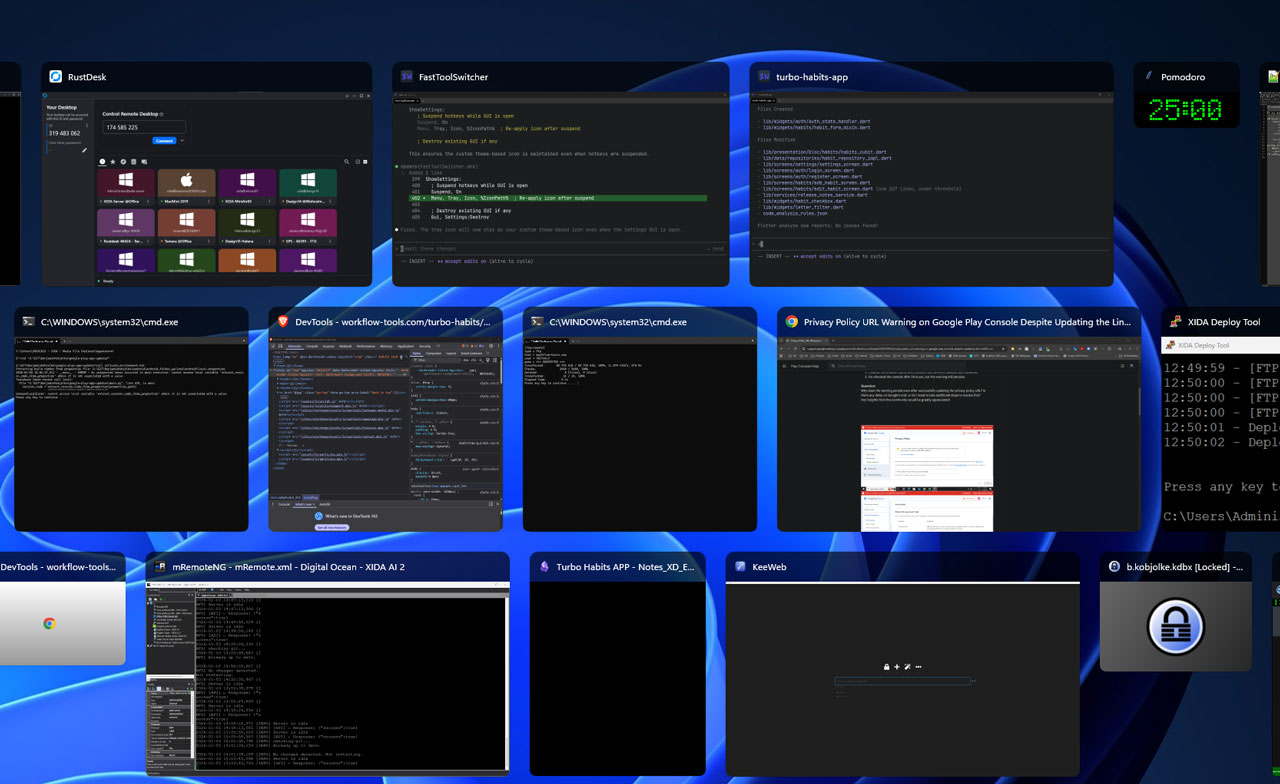
App switching seems trivial, but it happens dozens or hundreds of times per day. Each time you move your hand from keyboard to mouse, search for a window, and click to activate it, you lose a few seconds and break your mental focus.
Alt+Tab becomes useless when you have more than a few windows open. Fast Tool Switcher gives you direct, predictable access to any application with a single hotkey — the same key always brings up the same app.
The result is simple: Fewer interruptions, faster workflows, and your hands stay on the keyboard where they belong — especially valuable for developers, writers, and anyone who works with multiple tools every day.
Features
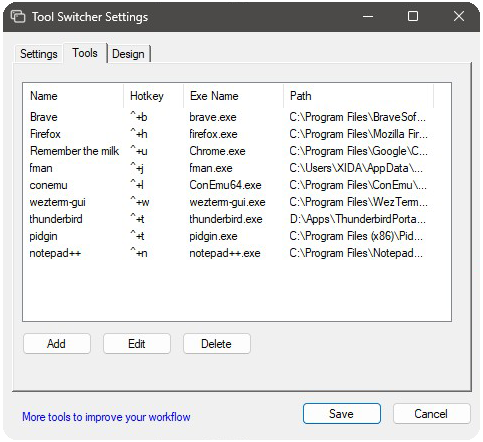
- Assign custom hotkeys to any application (e.g., Ctrl+Shift+B for Brave)
- Instantly switch to an app with one key press<br/>If the app is not running, it launches automatically
- Cycle through multiple windows of the same app by pressing the hotkey again
- Automatically finds application paths on your system
- Easy settings GUI to add, edit, and remove tools
- Runs quietly in the system tray with optional auto-start
- Dark and light theme support for the settings window
Download
Fast Tool Switcher is designed to be simple, safe, and easy to try.
It works on Windows 10 and Windows 11. No installation required!
Just download and run the file. It runs quietly in the system tray and can start automatically with Windows.
The tool is lightweight, does not modify system files and can be closed at any time without side effects.
Fast Tool Switcher is developed and maintained by the registered German company XIDA GmbH.
Download Fast Tool Switcher to stop wasting time with mouse clicks and start switching apps instantly.